

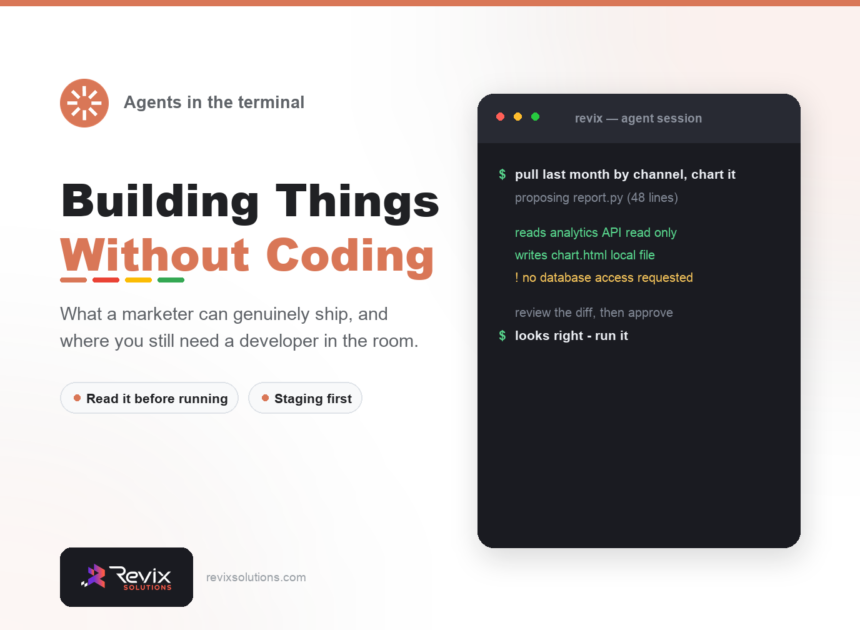
Terminal ai agents for non-developers are command-line assistants that write and run code you describe in plain language. You describe the task in plain language, the agent writes the code, and you review it before anything executes. The skill you need is not syntax – it is judgement about what to build and when to stop.
The short answer
You do not need to write code, but you do need to read what the agent proposes before approving it. Start with read-only tasks like reporting, work on staging rather than live, and keep the scope small. Anything touching payments, customer data or authentication belongs with a developer regardless of how confident the agent sounds.
What terminal ai agents for non-developers actually handle well
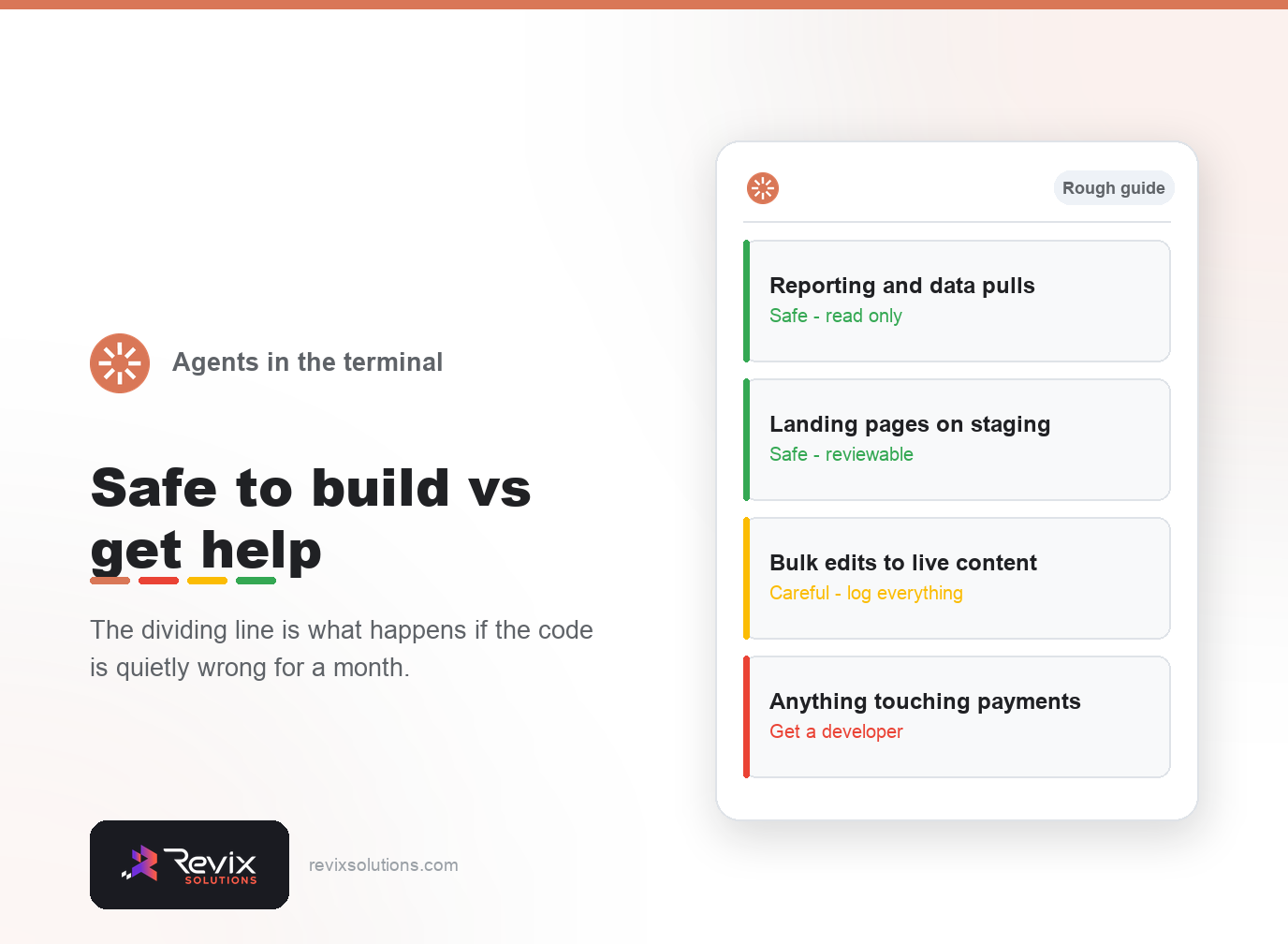
| Task | Difficulty | Risk if wrong |
|---|---|---|
| Weekly reporting script | Low | None – read only |
| Landing page on staging | Low | None until deployed |
| Bulk meta description update | Medium | High without a log |
| Internal calculator or tool | Medium | Low |
| Checkout or payment logic | High | Severe – use a developer |
Reviewing code you did not write
You do not need to verify every line. You do need to answer three questions: what does this touch, what happens if it runs twice, and can I undo it? An agent that cannot answer those clearly is proposing something you should not run yet.
In practice, terminal ai agents for non-developers rewards small scoped changes over sweeping ones.
However, terminal ai agents for non-developers only pays off when every change is reviewed before it ships.
That said, terminal ai agents for non-developers does not remove the need for someone who understands the business.
The mistakes that cost people weeks
- Approving without reading. The failure is silent and you find it late.
- Working on live. Staging costs nothing and prevents the worst outcomes.
- Scope creep. Ten small scripts beat one that does everything badly.
- No logging on bulk edits. Without previous values, a bad run is permanent.
Frequently asked questions
Do I need to code to use a terminal AI agent?
No, but you need to read what it proposes before approving it. The agent writes the code; you remain accountable for what runs.
What can a marketer realistically build?
Reporting scripts, landing pages, bulk content updates, simple internal tools. Anything touching payments or customer data should involve a developer.
Is it safe to let an agent change a live site?
Not directly. Work on staging, review the change, then deploy. Agents are fast at being wrong as well as right.
How long does it take to get useful?
Most people get a working script in an afternoon. Getting good judgement about what to build takes longer.
What is the most common beginner mistake?
Accepting output without reading it, then discovering weeks later that a script has been quietly writing wrong data.
Does this replace a developer?
No. It removes the queue for small tasks and makes the developer conversations sharper. Complex or risky work still needs one.
If you would rather have terminal ai agents for non-developers handled for you, our website development services and free SEO audit cover exactly this work.
Not sure what to automate first?
We look at where your team actually loses hours each week and tell you which of it is worth automating and which is not.
Plans start from Rs 16,000 per month. See current pricing.
Related reading: GA4 for small business, Core Web Vitals optimization guide.