

Figma to production code is the conversion of a design file into working markup, and it is strong on styling and weak on structure. The visual result on desktop is often close on the first attempt. Responsive behaviour, accessibility and sensible component boundaries are where the work still sits, and no amount of prompting removes that.
The short answer
Agents convert layout, colour, type and spacing accurately when the design uses auto-layout and named tokens. They handle responsive breakpoints inconsistently and usually omit accessibility entirely. Expect to refactor the first output – treat it as a fast starting point, not a finished component library.
Where figma to production code holds up
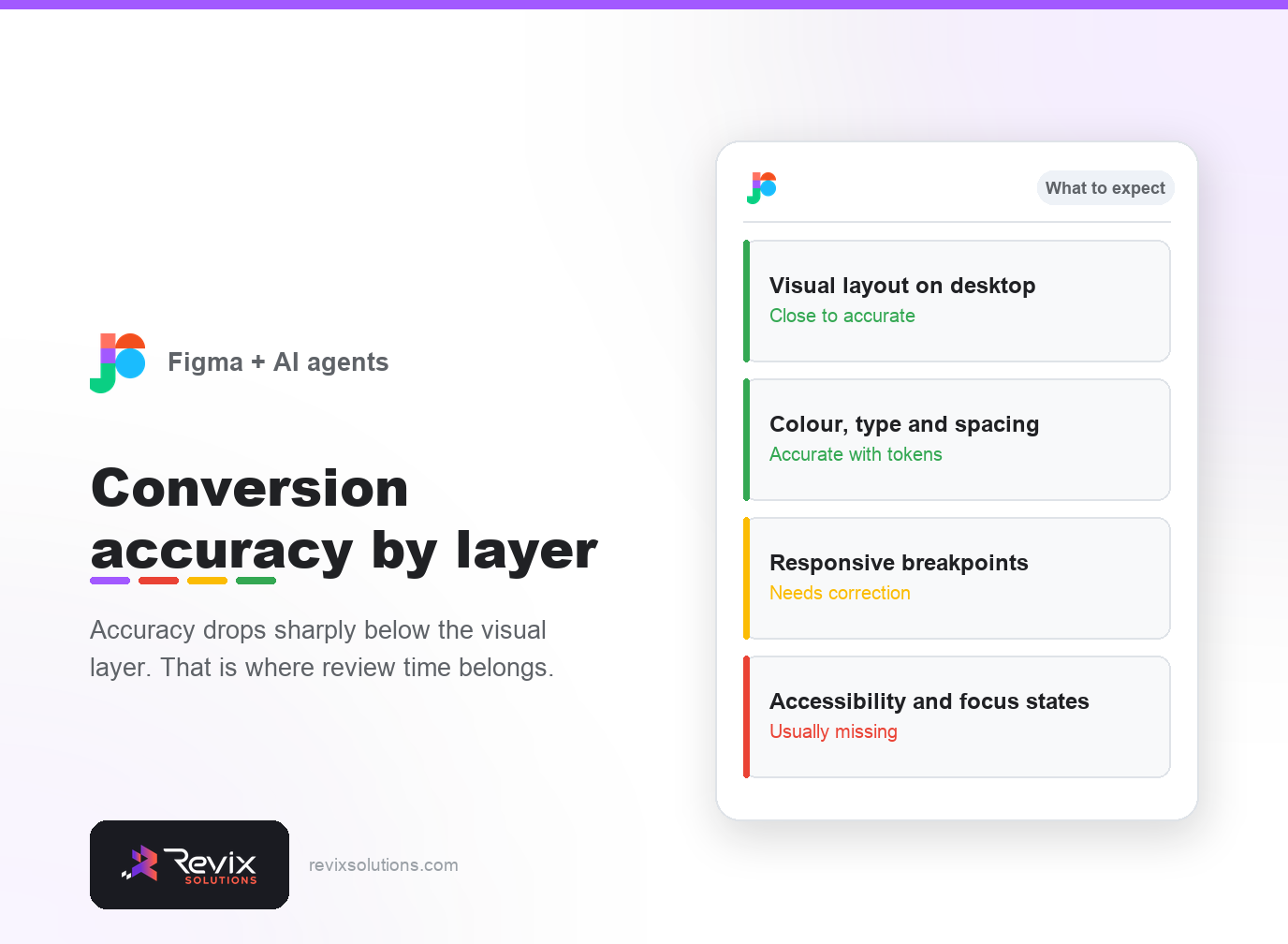
| Layer | Typical accuracy | Work needed |
|---|---|---|
| Desktop layout | High | Minor tidying |
| Colour and type | High with tokens | Little |
| Spacing rhythm | Medium | Check against the scale |
| Breakpoints | Low to medium | Manual correction |
| Accessibility | Low | Add from scratch |
Preparing the file properly
Designs built with real auto-layout, named styles and a defined type scale convert far better than ones positioned by hand. The agent reads structure – if there is none, it invents one, and what it invents rarely matches your system.
In practice, figma to production code rewards small scoped changes over sweeping ones.
However, figma to production code only pays off when every change is reviewed before it ships.
That said, figma to production code does not remove the need for someone who understands the business.
Expect to refactor
- Over-nesting. First output wraps everything several layers deep.
- Repeated styles that should be one shared token.
- Component boundaries drawn by visual grouping rather than reuse.
- Missing states – hover, focus, disabled, empty and error.
None of this makes the approach unusable. It just means the saving is in the first eighty per cent, not the last twenty.
Frequently asked questions
Can AI convert a Figma file into working code?
It converts layout and styling well. Responsive behaviour, accessibility and component reuse still need a person to check and correct.
What makes a design easy to convert?
Consistent spacing, named styles, real auto-layout and a defined type scale. Loose designs produce loose code.
Does the generated code need refactoring?
Usually yes. First output tends to be verbose and over-nested. Treat it as a starting point rather than a finished component.
How accurate is the visual result?
Close on desktop, less reliable at smaller breakpoints, because most designs do not specify every intermediate state.
Should designers change how they work?
Slightly. Using proper auto-layout and named tokens rather than manual positioning improves conversion quality immediately.
Where does this save the most time?
Marketing pages and component libraries. Complex application interfaces still need engineering judgement throughout.
If you would rather have figma to production code handled for you, our website development services and WordPress development cover exactly this work.
Have designs waiting on development?
We turn finished designs into fast, accessible pages your team can actually edit – and tell you upfront what the design will cost to build.
Plans start from Rs 16,000 per month. See current pricing.
Related reading: website design cost in India, Core Web Vitals optimization guide.