

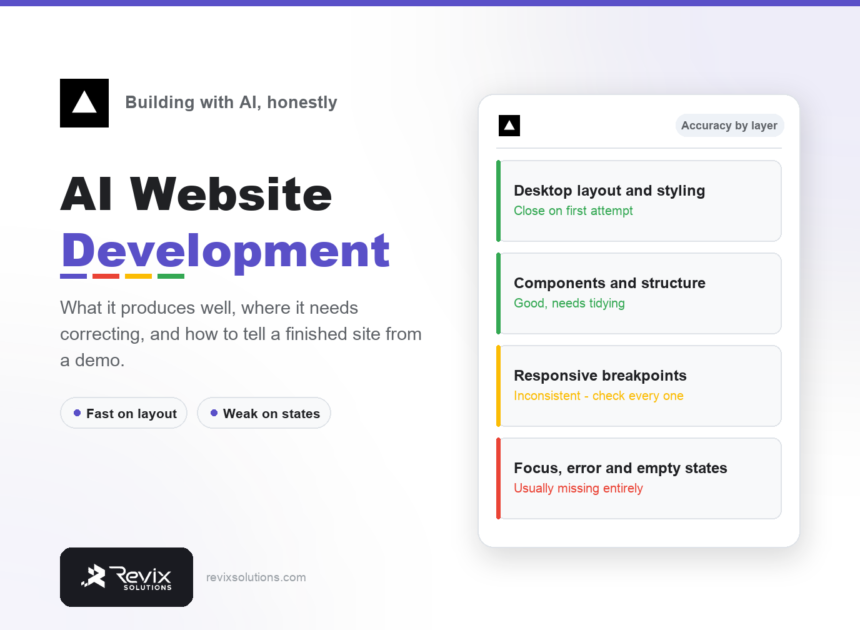
AI website development produces a working, good-looking site remarkably fast and then stops short in predictable places. Knowing exactly where it stops is the difference between shipping something finished and shipping a demo.
The short answer
AI tools get desktop layout, styling and component structure close on the first attempt. They are inconsistent on responsive breakpoints and usually omit focus, error and empty states entirely. Nothing about that makes the approach unusable – it means the last twenty per cent is where your attention belongs.
What ai website development gets right and wrong
| Layer | Typical accuracy | What you must do |
|---|---|---|
| Desktop layout | High | Compare against the design |
| Colour and type | High with tokens | Little |
| Component structure | Good | Tidy over-nesting |
| Responsive breakpoints | Inconsistent | Test every one manually |
| Focus and error states | Usually absent | Add from scratch |
| Accessibility | Usually absent | Add deliberately |
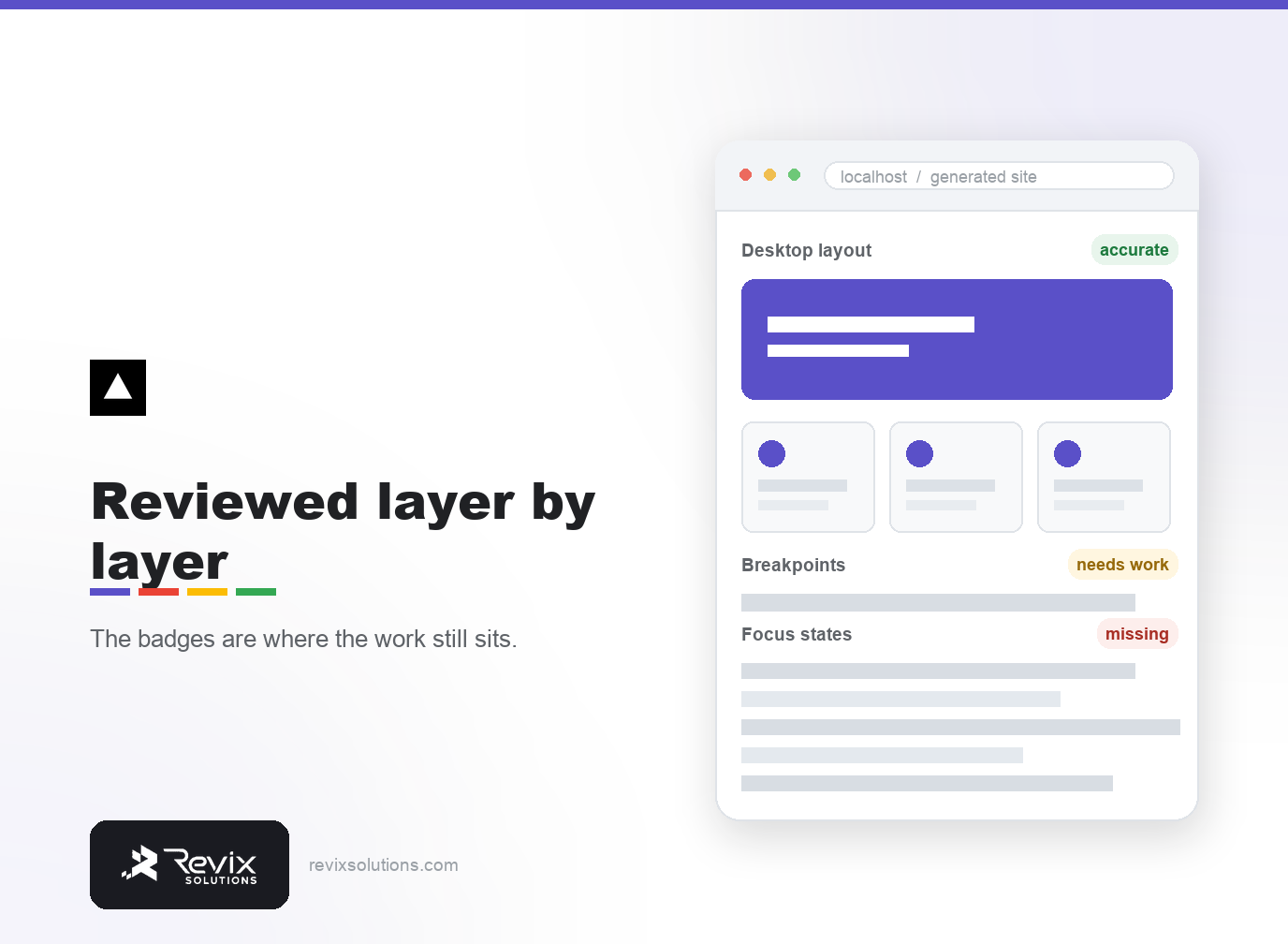
How to tell a finished site from a demo
- Resize to 380px. Most generated layouts break somewhere below 500.
- Tab through it. If you cannot see where focus is, it is not finished.
- Submit an empty form. There should be a clear error, not silence.
- Check an empty state. A list with no items should say something useful.
In practice, ai website development rewards specifics over generalities.
That said, ai website development only matters if you act on what you find.
Does it produce fast sites?
Usually yes, and often faster than a page-builder site, because generated static output ships less JavaScript. That is a real advantage, and it is separate from whether the site is finished.
If you want to build one properly and learn what to check, Our one-to-one AI website development course covers exactly this, one-to-one and online.
If you would rather have website development handled for you instead of learning it, our website development services and website optimisation cover the same ground as done-for-you work.
Built something with AI and unsure if it is ready?
Book a free 20-minute call. Send the link and I will tell you what I would fix before you put it in front of customers.
Book a free 20-minute callSessions are one-to-one, online, and scheduled around your week.
Frequently asked questions
Can AI build a complete website?
It can build a working site quickly. Finishing it – responsive states, accessibility, error handling – still needs a person who knows what to look for.
Are AI-built websites good for SEO?
Often better than page-builder sites, because static output is faster. Content quality still matters far more than build method.
What does AI website development get wrong most often?
Responsive behaviour below roughly 500px, and focus or error states. Both are consistently skipped unless you ask explicitly.
Do I need to know code to build a site with AI?
You need to read it well enough to review it. You do not need to write it from memory.
Is an AI-built site cheaper than hiring a developer?
In money, usually. In time, only if you already know what a finished site requires.
Can I use an AI-built site for a client?
Yes, if you review it properly and are honest about the method. Avoid payment and login work until a developer is involved.